
I can't play a modpack I downloaded on Ely Prism Launcher: start here
A pack can install and still fail before the Minecraft window appears. The launcher must resolve an instance folder, Minecraft version, loader, Java runtime, mod dependencies and write access. One mismatch can look like a generic crash. If you are thinking, I can't play a modpack I downloaded on Ely Prism Launcher, keep that exact symptom as the case label while you test.
Preserve the downloaded archive and the instance containing your world. Work on a copy rather than deleting the game directory or adding random replacement mods. If the pack opens but one world fails, treat that save as a separate branch.
- Record the symptomNote whether import fails, the instance closes, the menu appears, or only one world crashes. Copy the first visible error.
- Duplicate the instanceExport or copy the instance before testing so a cleanup cannot destroy the world or its evidence.
- Launch once unchangedDo not change mods, resource packs or JVM arguments before saving the first failed log.
- Check space and accessConfirm that PineconeMC can read the folder, create a file and write a log.
Match the Minecraft version, loader and Java runtime
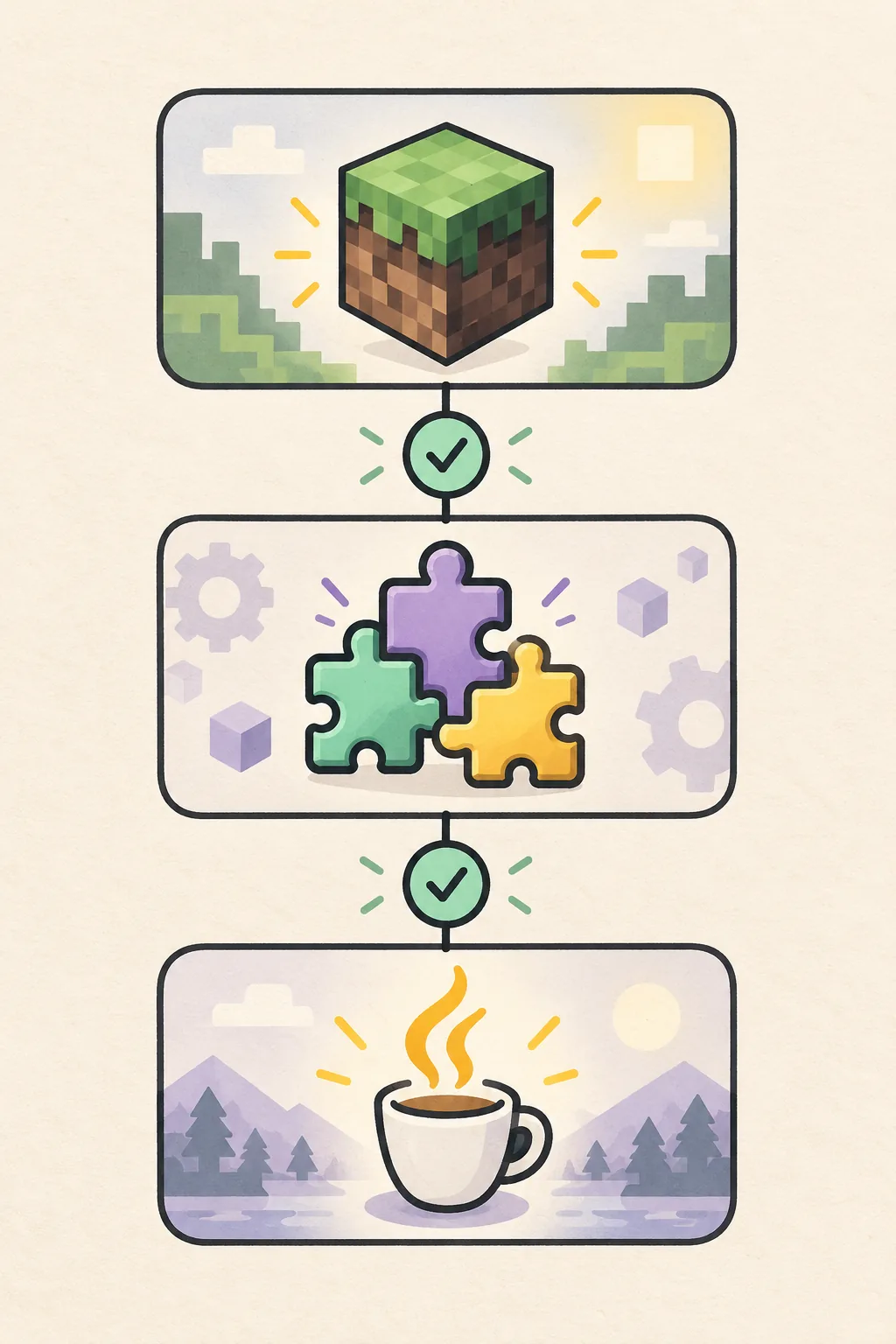
The common cause is a near match rather than an exact match. A Minecraft 1.20.1 Forge pack is a different target from a 1.20.1 Fabric pack. Read the manifest or project page and compare it with the instance settings.
Check the loader family and build, not only the Minecraft number. Forge, NeoForge, Fabric and Quilt use different APIs. Java is another gate: use the managed runtime when available or a supported 64-bit installation, guided by the pack requirement and the runtime line in the log.
- Read manifest.json or modrinth.index.json when the export includes one.
- Keep the same game directory while testing so a path change does not hide the mismatch.
| Check | Typical mismatch | Safe next action |
|---|---|---|
| Minecraft version | 1.20.1 pack opened as 1.20.2 | Create an instance with the exact pack version. |
| Loader | Fabric mod in a Forge instance | Install the loader named by the manifest. |
| Loader build | Old Forge or Fabric build | Use the build requested by the project. |
| Java runtime | Old Java for a newer pack | Select the supported 64-bit runtime. |
Check how the pack was imported and whether dependencies survived
A CurseForge or Modrinth link is a recipe, while an exported archive is a snapshot. A link can stop at a service or rate limit; an archive can be incomplete, nested in an extra folder or missing files excluded by the exporter.
Use the creator's project page or documented import flow. Confirm the selected project version, Minecraft version and loader before importing. After import, inspect mods and config folders without editing them; a menu crash may identify one missing library or dependency.
- Name the sourceRecord Modrinth version, CurseForge link, ZIP export or copied instance.
- Choose the exact versionDo not select only the newest project entry; match its game version and loader.
- Check the archiveA manifest should be at the top level. A ZIP containing only another folder may lack import metadata.
- Follow the first dependencyInstall only the missing project and version named by the log, then retry once.
Use the first launcher log error instead of the last red line
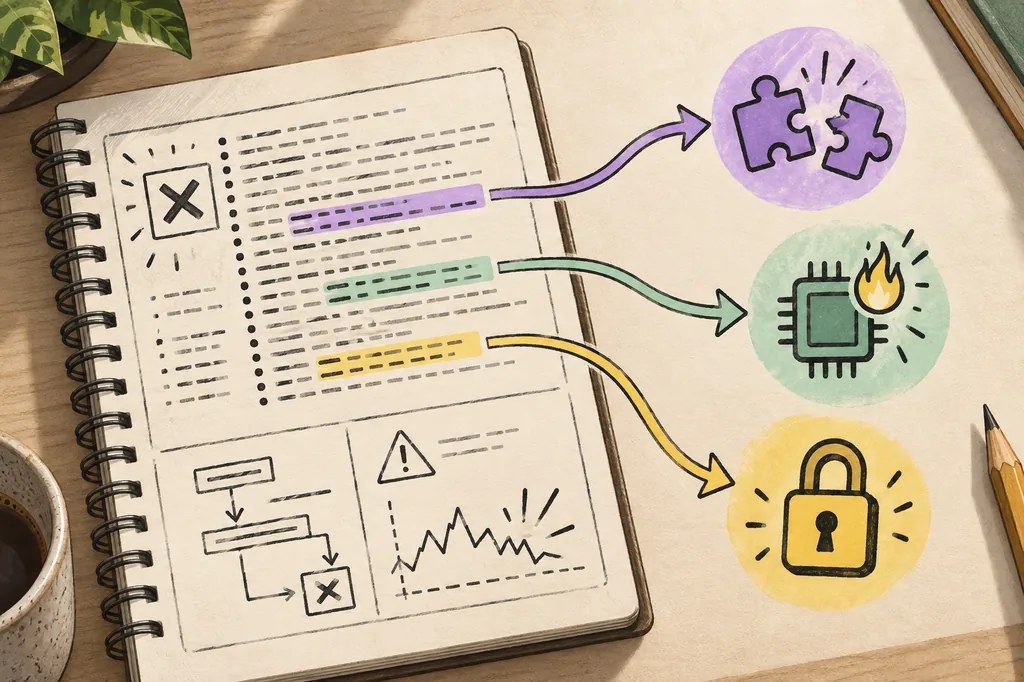
Logs often contain warnings after the real failure. Start at the first ERROR, Caused by, Exception or named missing file after the launch command. Remove account tokens, local usernames and private server addresses before sharing an excerpt.
Use the instance log button, then choose the latest latest.log or crash report from the failed copy. A missing dependency points to the pack or version; a class-version message points to Java; access denied points to permissions or security software.
- Keep the timestamp and instance name beside the excerpt.
- If the error changes after one fix, save both logs as evidence.
| Log clue | Likely layer | First check |
|---|---|---|
| Missing dependency | Pack or dependency list | Compare the named mod with the manifest. |
| Unsupported class or JVM option | Java runtime | Select the supported Java major version. |
| Mixin or loader bootstrap error | Loader and mod build | Confirm the loader family and named component. |
| Access denied or locked file | Permissions or security | Test a writable path and close other processes. |
| World or rendering crash | Save or client mod | Test a new world on the copied instance. |
Fix crashes, missing mods and black screens
If the menu appears but a world fails, test a new world first. If a crash began after adding a mod, undo only that change on the copy. Respect the curated dependency versions instead of replacing several jars with the newest files.
For black screens or freezes, allow the first launch to build caches, then check memory, graphics drivers and the log. Disable shaders and resource packs for one test; a visual symptom does not prove that the archive is corrupt.
- Use the pack's memory range and leave memory for the operating system.
- Remove duplicate mods only when the log or manifest names them.
- Keep the instance in a local, writable path rather than a synchronised folder.
- If Modrinth or CurseForge requests fail, follow the network and service guides before rebuilding.
Know when to export, repair or reinstall
Reinstalling can remove the evidence that explains the failure. Export the instance, copy the saves folder and keep the original archive first. A repair is suitable when one dependency, loader build or configuration file is named; a clean rebuild is suitable when the archive or path is damaged. If the question remains I can't play a modpack I downloaded on Ely Prism Launcher, compare the clean copy with the original instead of starting over blindly.
Ask for help after the version, loader and Java checks pass but the same clean copy fails. Include the source type, exact project version, loader build, Java major version, operating system, first error block and whether a new world launches.
- Export before repairCopy saves, configs, resource packs and the manifest when present.
- Rename instead of deletingKeep the old folder with a date-stamped name beside the clean test.
- Rebuild from the same sourceChoose the same pack version and loader, then compare the first successful launch.
Practical summary
A safe modpack recovery sequence
Preserve the source, duplicate the instance, match Minecraft and the loader, confirm Java, then use the first log error to choose one change. This order keeps a network import problem separate from a runtime or world problem. That is the practical answer when you can't play a modpack I downloaded on Ely Prism Launcher.
Once the pack launches, keep the working copy and export it for the next update.
- Keep one untouched archive and one working export.
- Change one file or setting per test.
- Save the first failed and first successful logs.
- Open a fresh world before risking an existing save.
Common questions
Modpack launch troubleshooting FAQ
Why does a modpack install but not start?
Installation only confirms that files were copied. The Minecraft version, loader family, loader build, Java runtime, dependency list or instance permissions can still be wrong. Compare those layers and read the first named log error.
How do I add a CurseForge modpack to Prism Launcher?
Use the documented project link or an export from the creator, then choose the exact Minecraft version and loader. If the import fails, keep the source and inspect the failed request or missing dependency instead of downloading a random mirror.
Why does Modrinth work in my browser but not in the launcher?
The launcher may use a different endpoint, cache, proxy or certificate path. Check the log for the failed URL, test the system clock and network, and follow the Modrinth troubleshooting guide before rebuilding the instance.
Should I remove every mod to find the problem?
No. Use a copied instance and remove only the mod or dependency named by the log, or undo the last controlled change. Removing half the pack can hide the original cause and make the world unsafe to open.
How much memory should I give a modpack?
Use the pack creator's range and leave enough memory for the operating system. More allocation is not automatically better; an oversized heap can cause freezes, swapping or unstable launches.